Edit With AI in Instagram's Free Mac App: The Setup
▶ Read as storyYou commented EDITS, so here is the setup. Instagram’s Edits app is now on Mac. It is free, and its editor has a built-in connection (MCP) that lets Claude Code or Codex edit your video inside it. Three steps and you are connected.
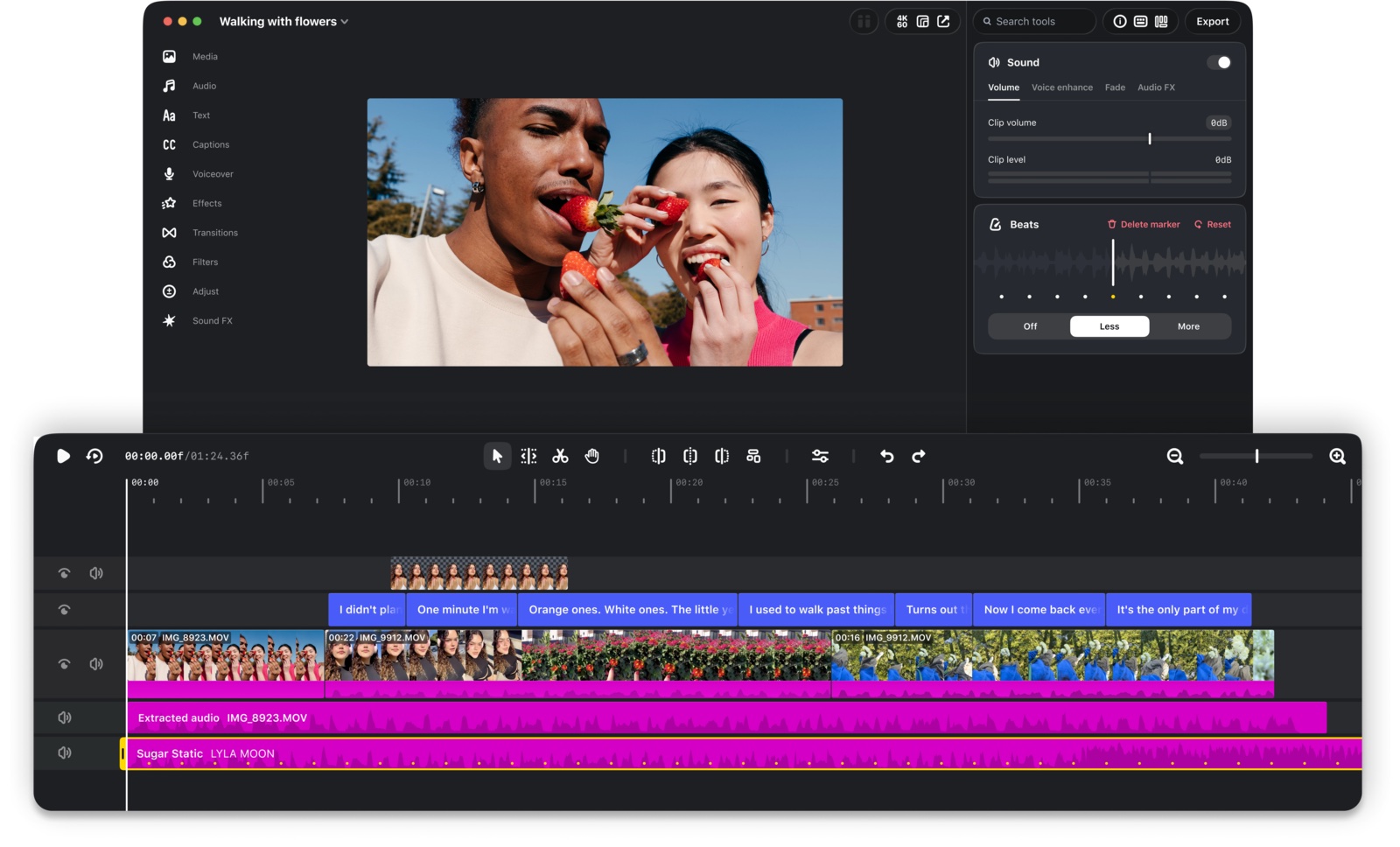
Free, and your AI can drive it
What Meta announced on November 5
Edits is Instagram’s video editor, and the first desktop version runs on macOS. It costs nothing. You can publish straight to Instagram with tagging, location and trial reels, export horizontal or vertical in 4K without a watermark, import your own LUTs and fonts, and use Instagram’s music library, sound effects and unlimited auto captions. Meta says 50 million people already use Edits.
The part I care about: Meta wrote that for anyone using AI agents, you can connect them to the desktop editor through MCP so they can help with your projects. CapCut has not done that yet. Instagram opened its editor up to AI, so you may not need a paid editor anymore.
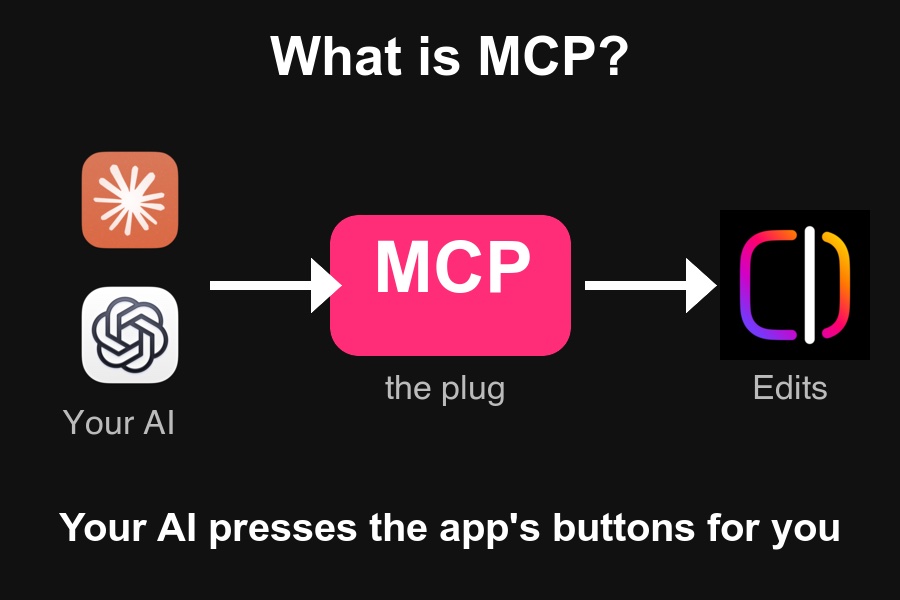
The 3 steps
About five minutes
1. Download and install Edits for Mac. Get it from the Edits for Mac download page.
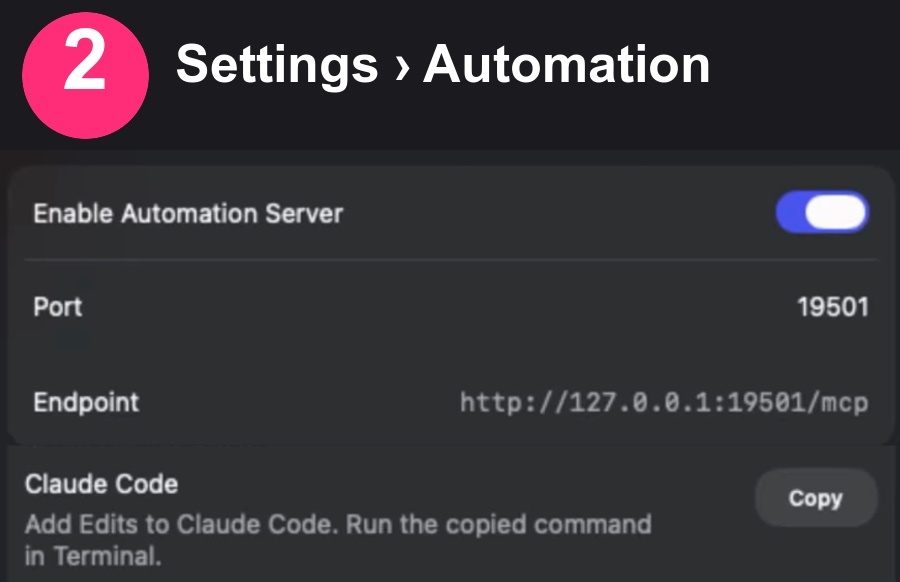
2. Open Settings, then Automation. Switch on Enable Automation Server. The page shows a port (mine said 19501) and an endpoint, http://127.0.0.1:19501/mcp, which only runs on your own Mac. Under Connect an AI client you will see Claude Code and Codex, each with a Copy button.
3. Send it to your AI. For Claude Code, press Copy on its row, open Terminal, paste and run it. For Codex, press Copy on its row and give it to Codex. If Edits restarts, the port can change, so copy the command again.
The prompt to send your AI
Paste it once the connection is made, with your project open in Edits
You are connected to my Edits video editor. Look at the project I have open first: list the clips, the length and what is on the timeline.

Then do these, one at a time, and tell me what you changed after each:
1. Find the silences and pauses in my talking clip and cut them. Keep each cut as a normal undo step.
2. Add captions to the whole video.
3. Put a short hook title at the start, in my fonts if I have imported any.
4. Add a quiet sound effect on each cut or title.
5. Even out the color across the clips.

Do not export. I will check the result in Edits and export myself.
Swap the list for what you want. One line is enough: “cut my silences” is a real prompt.
What your AI can reach
274 tools when I connected Claude Code
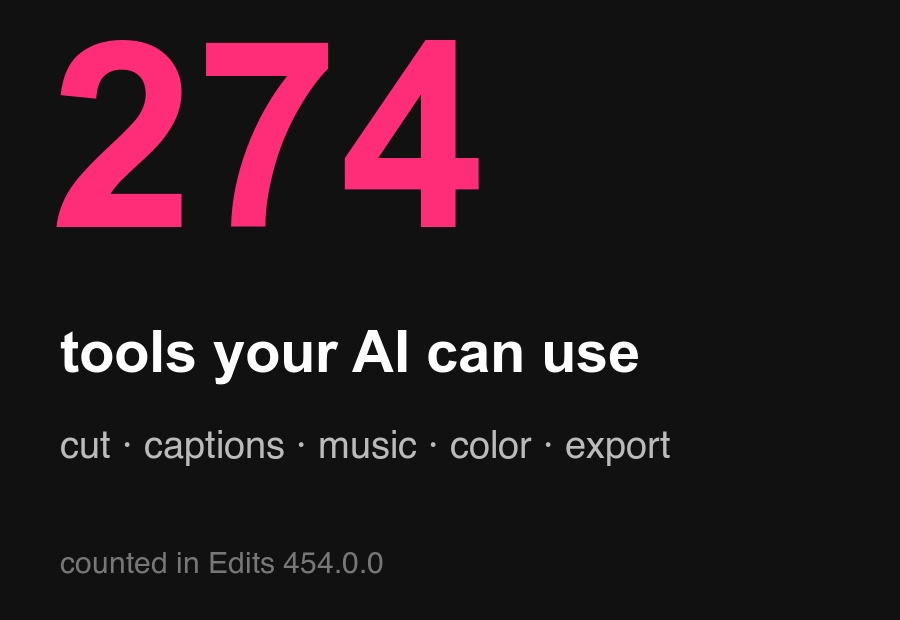
Claude Code found 274 tools on the editor screen (Edits 454.0.0):
- Cutting and layout: 65
- Media, music and sound effects: 47
- Read project state: 38
- Panels (crop, mask, speed, fades): 30
- Voiceover and teleprompter: 20
- Projects: 13
- Analysis: 11
- Captions: 9
- Text and fonts: 8
- Color: 4
- Export: 4
- AI: 3 (describe a clip, track an object, cut out a subject)
What happened on my 2:30 take
The silence cut, start to finish
I asked Claude to cut the silences in a 2:30 take. It found 34 pauses and deleted 28 gaps inside Edits. The video went from 2:30 to 2:09, which is 21.4 seconds removed. Each cut is a normal undo step, so you can undo them one by one.
Good to know
- You still hit Post. Your AI cannot publish to Instagram. There is no publish tool among the 274, and the app carries the message “action not allowed in public MCP mode”. You review, then post or schedule a trial reel yourself.
- No templates from your AI. There is no “save as template” tool yet.
- The port can change. If Edits restarts, copy the command again.
- It all stays on your Mac. The endpoint is 127.0.0.1, your own computer.
Running a business? Tell me about it and I'll send back what I'd do with AI. Free.